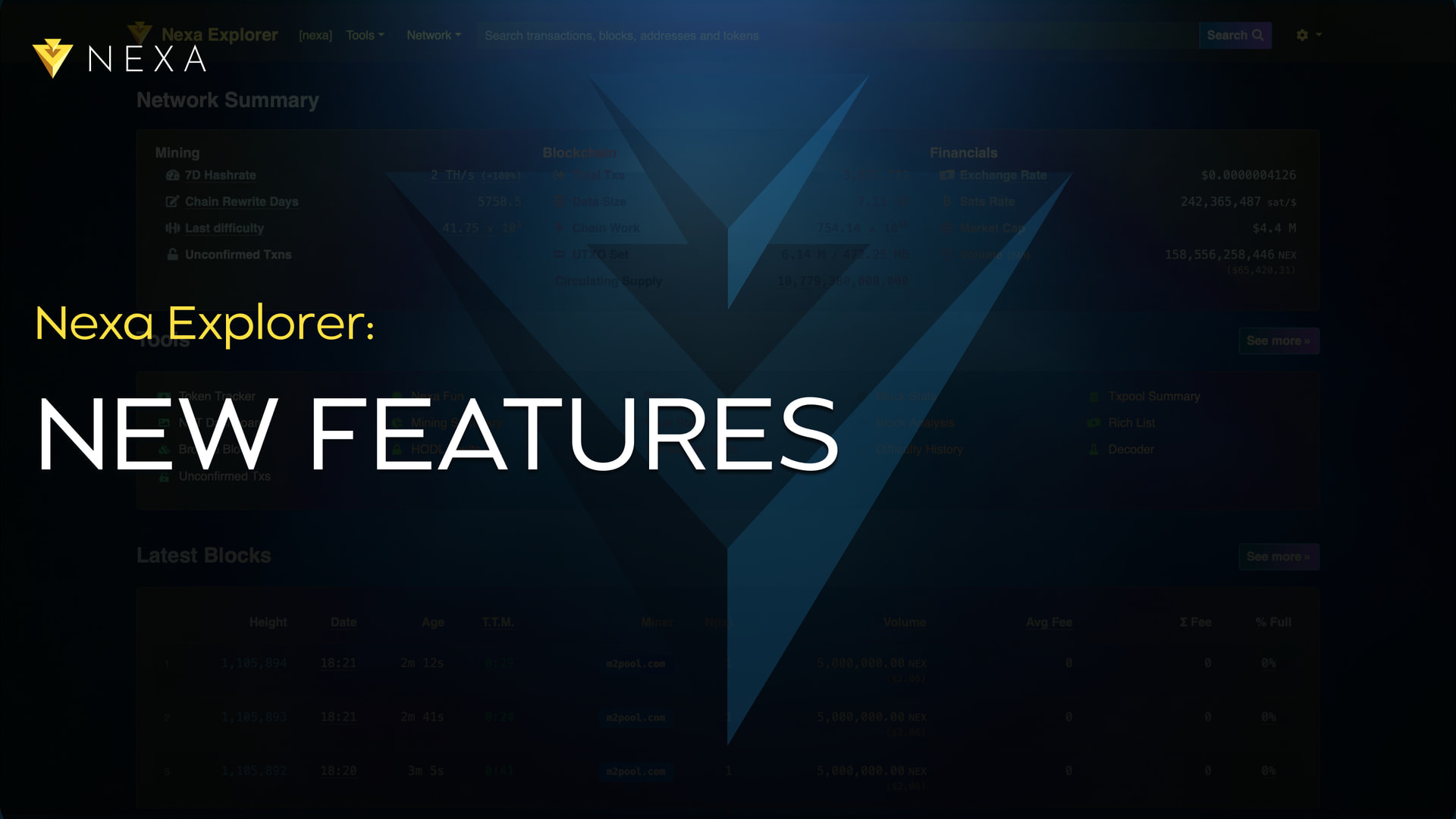
The Nexa Explorer just had another round of improvements. The main page was refreshed, and the transaction view was reworked so it reads properly on phones, meaning you can now see inputs and outputs clearly on any device.
Another notable delivery is self-hosting. Anyone with some technical knowledge can now run the explorer on their own machine, and a single command is all it takes to set up a local instance.
There are also smaller touches that matter in everyday use. Improvements to the Token Authorities tab, better visualization, and Nexa Fun, the page that surfaces historical and interesting events on the blockchain.
Explore the explorer:
https://explorer.nexa.org
What’s New
The main Nexa Explorer front page has been updated to feature top on-chain tokens and NFT collections. Also, you can find previously introduced HODL vaults and upcoming unlocks. With the recent updates to the explorer, a few fixes were also introduced, polishing Nexa price decimals and making other small improvements.
Looking up a transaction on a phone was not designed to render it on mobile devices. Inputs and outputs are now designed to be shown on mobile devices, the same as on desktop. The user experience has improved, and you can now easily track Nexa transactions on your phone.
Tokens on Nexa have special permissions, such as the ability to mint or melt (burn) tokens. These are called authorities. Address pages now have a Token Authorities tab, a feature the community asked for, that shows exactly which authorities an address holds and points to the precise coin that carries each one. Token pages show the same information from the token’s perspective, and users can see which tokens can be produced more, melted, or have their authorities disabled.
Nexa Fun is another page that was updated, adding historical and interesting events to the explorer. You can find the genesis block, the first token minted on the blockchain, and the first NFT minted. This page will be updated in the future, adding more historical events, blocks, and cool features for the community to explore.
Run Your Own Explorer
Nexa blockchain explorer has been updated to be self-hosted, driven by RPC calls to your own Nexa node and built with Node.js, Express, and Bootstrap. It means that anyone with some technical knowledge can run it locally and benefit from all the tools and functions it provides.
It supports mainnet, testnet, and regtest, each kept cleanly separate, and it is built to handle load and scale up when needed. There is documentation for both the simple path and the more advanced setups, including how to run it behind Cloudflare.
Decentralization is a main aspect of all blockchains, and tools that serve users are no less important. This update marks a shift in applications and provides an easy way for each user to host, edit, and improve their own Nexa explorer.
Run the explorer:
https://gitlab.com/nexa/explorer
To Wrap Up
The team is continuing to improve the block explorer and is actively working to reshape it to meet modern standards. There is more work in the pipeline, and in the coming weeks and months, Nexa Explorer is going to transform into a more intuitive tool for everyday users.
A big thank you to Dolaned, who built this round of work, and to Sickpig for the fixes and hardening throughout.
If you have any ideas, requests, or insights on what’s needed for you as a user and community member, please let us know in our Forum, community channels, and groups.
Nexa Discord: https://discord.com/invite/WJhWUEYSse
Main Telegram group: https://t.me/nexacoin